
Hi finance geeks! 📉
If you are still doing manual copy-pasting or relying heavily on fragile VBA macros, it might be time to switch to Python.
Here is my toolkit for automating Excel workflows in 2025:
1. Pandas 🐼
The absolute king of data manipulation.
- Best for: Cleaning data, merging multiple CSVs, and pivot tables.
- Trick: Use
pd.read_excel()to load messy sheets and clean them in one line of code.
2. OpenPyXL / XlsxWriter
- Best for: Formatting. If you need to generate a report that looks nice (colors, borders, charts) to send to your boss.
- Trick: XlsxWriter is faster for large files.
3. Xlwings 🚀
- Best for: Controlling Excel app directly. You can write Python functions and call them inside Excel like a macro.
4. ParserData API (The Input Fix)
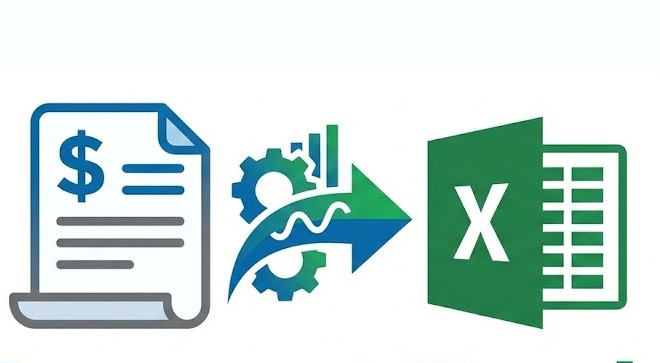
- Best for: Getting data INTO Excel from PDFs (Invoices, Bank Statements).
- Why: Pandas fails on PDFs. ParserData extracts tables from scanned PDFs and returns clean JSON/Excel ready for analysis.
Question: Are you team VBA or team Python for daily tasks? Let’s discuss below! 👇
You must log in or # to comment.